
The right process mapping tool depends almost entirely on where you are in the project lifecycle. For early discovery, Miro and FigJam give teams an open canvas to capture messy, real-world workflows without forcing structure too soon. For formal documentation and execution, Lucidchart, Microsoft Visio, Camunda, and SAP Signavio bring the BPMN rigor that compliance-driven and enterprise environments require. Here is a quick orientation before the full breakdown:
- Miro — best for cross-functional brainstorming and AI-assisted diagram generation
- FigJam — best for design-adjacent teams doing early process discovery
- Lucidchart — best for professional BPMN diagrams with real-time collaboration
- Microsoft Visio — best for organizations already running Microsoft 365
- Camunda — best when the diagram needs to become an executable, running process
- SAP Signavio — best for large enterprises managing complex process landscapes at scale
An industry assessment of the top process mapping tools confirms this phase-based logic: no single tool wins across the full lifecycle.
How to choose the best process mapping software for your team
Picking the wrong tool at the wrong phase is the most common mistake operations leaders make. A whiteboard that works beautifully in a discovery workshop becomes a liability when you need auditable, version-controlled documentation six weeks later.
Match the tool to the phase first. Discovery calls for free-form flexibility. Formal modeling requires BPMN 2.0 compliance, version control, and the ability to link diagrams to live data sources. Execution demands that the diagram actually runs business logic, not just describes it.
- AI-assisted diagramming: Miro AI and Camunda Copilot both generate diagrams from plain language, cutting manual drafting time significantly. If your team is iterating fast, this feature alone justifies the upgrade.
- Learning curve: Miro and FigJam are approachable for any cross-functional team with no training. Camunda and SAP Signavio have steeper ramps, suited for operations analysts or IT-adjacent teams.
- System compatibility: Lucidchart integrates natively with Google Workspace. Visio connects to SharePoint and Excel. SAP Signavio aligns with SAP Cloud ALM and ERP systems. Match the tool to what your team already uses daily.
- Pricing and total cost: Free tiers exist for Miro (three boards), Lucidchart (limited diagrams), and Camunda's desktop modeler. Enterprise licensing for Visio, SAP Signavio, and Camunda 8 carries meaningful per-user costs. Factor in training time as a real cost.
- Security and data privacy: Regulated industries need tools with SOC 2 compliance, role-based access controls, and audit trails. Camunda and SAP Signavio are built for those environments. Consumer-grade whiteboards generally are not.
- Support and training: Lucidchart provides dedicated training resources and a broad template library. SAP Signavio draws from a repository of 5,000 best practices sourced from SAP. Camunda ships with templates for claims, onboarding, and order-to-cash workflows out of the box.
Pro Tip: Never rely on a single tool for the entire process mapping lifecycle. Use a flexible whiteboard for discovery and a BPMN platform for governance and execution. The combined-tool approach consistently produces more repeatable, auditable results than forcing one tool to do everything.

How AI and collaboration features change what process mapping software can do
AI has moved from a novelty feature to a genuine time-saver in process mapping. The shift matters most during the early stages, when teams are translating messy verbal descriptions into structured diagrams.
- Natural language to diagram: Miro AI converts a rough process description or pasted SOP into a structured map without manual drag-and-drop. Camunda Copilot takes it further, generating tasks, decision gates, connector configurations, and forms from a plain-language prompt.
- Collaboration at scale: Lucidchart and SAP Signavio both support real-time co-editing, so two analysts can work the same diagram simultaneously without overwriting each other. Miro adds commenting, sticky notes, and presentation mode in the same workspace.
- Integration with task management: Miro connects directly to Jira, so action items from a process workshop surface as trackable cards. Linking process maps to Jira or Asana closes the gap between documentation and actual execution behavior.
- Continuous improvement: When a diagram lives in a collaborative platform with version history, teams can update it as the process evolves rather than letting it go stale in a shared drive.
The practical result is faster iteration and better stakeholder buy-in. When a non-technical operations manager can describe a workflow and watch a structured diagram appear in minutes, the barrier to getting everyone aligned drops considerably. For a deeper look at how scalable process infrastructure connects to these tools, the underlying principles translate directly to software selection.
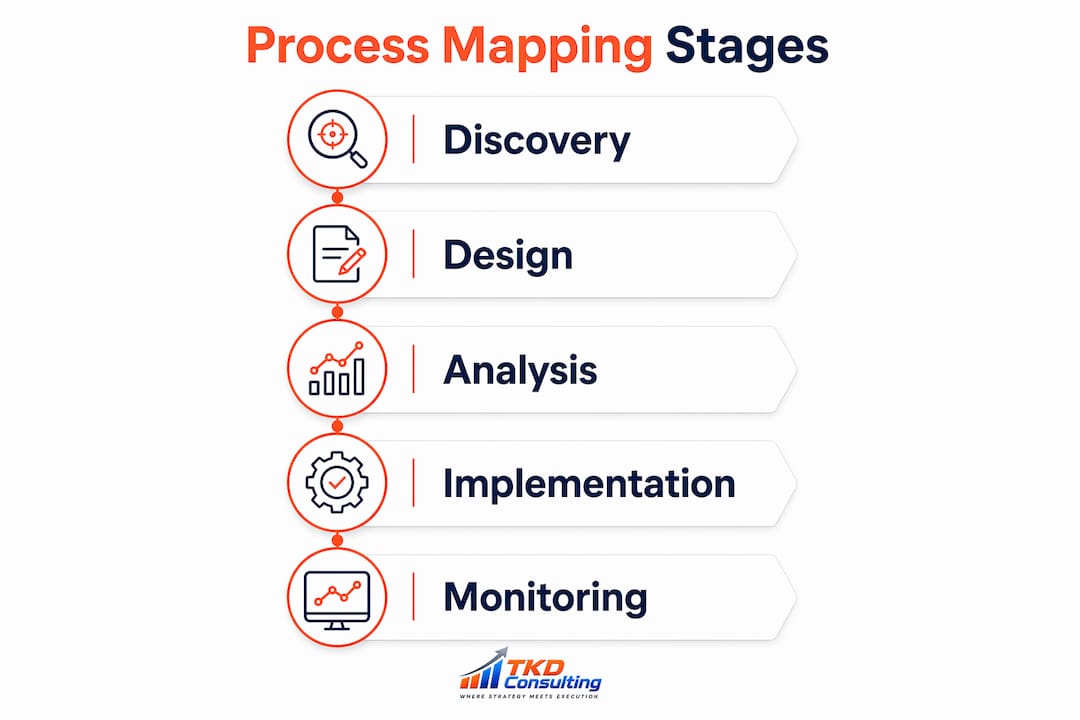
Why process maps fail without execution infrastructure behind them
Most process maps never drive real change. The diagram gets built, presented, and filed. Six months later, the team is back to doing things the old way. The tool is rarely the problem. The missing piece is the infrastructure that keeps the map connected to daily work.
Static diagrams disconnected from workflows produce what practitioners call "dead diagrams." They look complete on screen but have no mechanism to enforce, track, or update the process they describe. BPMN-compliant platforms like Camunda address this directly: the visual diagram is the executable model, meaning what you draw is what runs in production. Changes ship in days, not quarters, and in-flight cases continue under the rules they started with.
- Version control and audit trails: Enterprise tools like Visio, Camunda, and SAP Signavio maintain full version histories. Every change is logged, which matters in regulated industries.
- Real-time KPI linkage: Enterprise BPMN tools support linkages to external data sources for tracking operational KPIs, so a process map can surface a bottleneck before a manager notices it manually.
- Accountability mechanisms: Scorecards, meeting cadences, and coaching frameworks are what keep process changes from evaporating after implementation. The tool enables the map; the accountability structure makes it stick.
- Executable modeling: Descriptive mapping shows how work happens. Executable modeling embeds business logic that automates decisions and routes work without manual oversight, which matters as organizations scale.
Understanding why execution fails in most organizations comes down to this gap: the process was documented but never operationalized. The best process mapping software in the world does not close that gap on its own. For a practical look at what business process mapping requires at the management level, the fundamentals of connecting maps to execution hold across industries.
Your next steps for putting process mapping tools to work
Choosing software is the easy part. Getting it to drive real operational change takes a deliberate sequence.
- Identify your current phase. Are you in messy discovery, formal documentation, or active execution? The answer determines which tool category you need right now.
- Combine tool types intentionally. Use a whiteboard for early workshops, then migrate to a BPMN platform for governance and deployment.
- Activate AI features early. Miro AI and Camunda Copilot both reduce the time from "we need to map this" to "we have a working draft" from days to hours.
- Evaluate total cost of ownership. Free tiers work for small teams. Enterprise licensing for SAP Signavio or Camunda 8 requires budget planning and IT involvement.
- Embed accountability from day one. Scorecards, defined owners, and regular review cadences are what separate a living process map from a document that collects dust.
- Get consulting support when the stakes are high. Software selection is one decision. Ensuring the maps connect to your actual workflows, performance systems, and team behavior is a different challenge entirely.
How U.S. operations teams are using these tools in practice
Across U.S. mid-market operations, the pattern that works looks roughly the same. A warehouse or services company starts a process improvement initiative with a Miro board in a two-hour workshop. The team maps the current state, identifies three to five bottlenecks, and walks out with a shared visual everyone agrees on. That map then moves into Lucidchart or Visio for formal documentation, with swim lanes, role assignments, and version control. For companies with ERP systems or compliance requirements, SAP Signavio or Camunda handles the execution layer, where the diagram becomes the process that actually runs.
The operations consulting work TKD Consulting does with $5M–$50M companies follows this same arc. The Operations Audit maps people, processes, and performance systems against stated goals, then delivers a 60-day action plan built around tools the team will actually use. The continuous improvement phase that follows embeds the scorecards and meeting cadences that keep the maps from going stale.

If your process maps are sitting in a shared drive instead of driving daily decisions, the TKD Consulting Operations Audit is the fastest way to close that gap.
Key Takeaways
The most effective approach to process mapping software is matching the tool to the project phase, then embedding accountability mechanisms that keep maps connected to execution.
| Point | Details |
|---|---|
| Phase-based tool selection | Use whiteboards like Miro or FigJam for discovery; shift to BPMN platforms for formal documentation and execution. |
| AI accelerates early drafting | Miro AI and Camunda Copilot generate structured diagrams from plain-language descriptions, cutting iteration time significantly. |
| Dead diagrams are the real risk | Static maps disconnected from workflows produce no lasting change; BPMN tools make the diagram the executable process. |
| Enterprise tools require planning | SAP Signavio and Camunda 8 offer governance and KPI linkage but carry licensing costs and steeper learning curves. |
| Accountability sustains results | Scorecards, meeting cadences, and defined owners are what keep process improvements from reverting after implementation. |